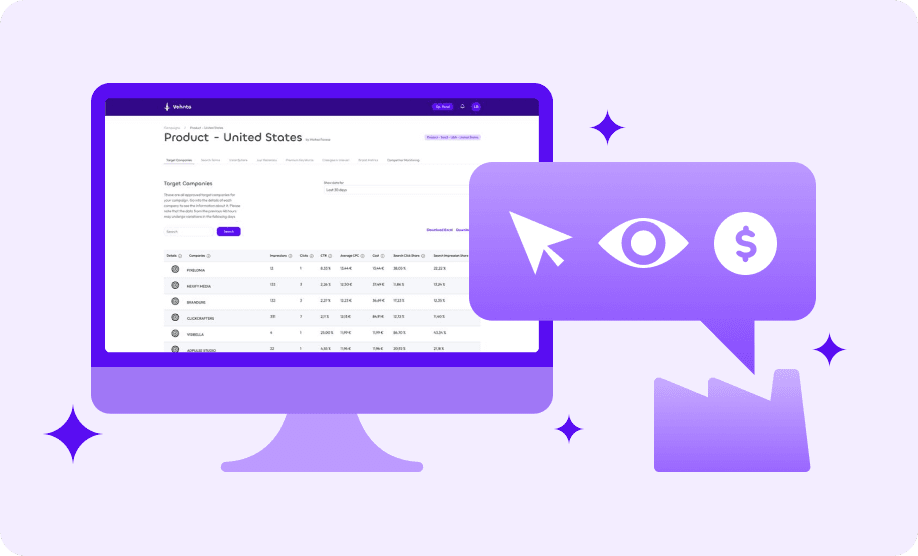
Vehnta allows you to access detailed Google Ads performance insights for your campaigns. These insights are structured for maximum clarity and actionable value at both company and location level.
Accessing Insights
- Go to Your Campaign Dashboard
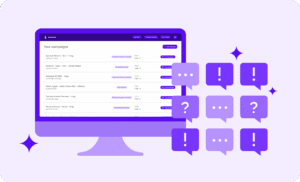
- Log in and navigate to the “Your Campaigns” page.
- Select the campaign you want to analyze (e.g., SaaS – United States).
- Click on the “Target Companies” tab to start exploring performance data.
- Time Range Selection
- Use the date range dropdown (top-right of the page) to filter data.
- Defaults available:
- Last 7 days
- Last 30 days
- Or choose a custom date range between 1 day and the entire campaign period.
Target Companies Overview
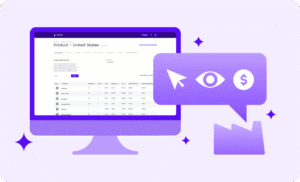
In the Target Companies tab you will see:
- A list of all your approved target companies.
- Aggregate Google Ads performance data for all locations of each company.
Key Metrics displayed include:
| Metric | Description |
| Impressions | Number of times your ads were shown. |
| Clicks | Number of times users clicked your ads. |
| CTR (%) | Click-through rate: ratio of clicks to impressions. |
| Average CPC (€) | Average cost per click. |
| Cost (€) | Total spend for the company. |
| Search Click Share | Proportion of clicks your ads received vs competitors. |
| Search Impression Share | Share of total impressions captured by your ads. |
🔍 TIP: Click on any column header (e.g., Impressions or CTR) to sort companies hierarchically.
Location-Level Details
For more granular insights:
- Click the details icon next to a company name.
- This opens a page showing Google Ads performance for each location of that company.
Here you can:
- View performance metrics for each address.
- Apply a date range filter for location-specific data.
- Export location data in Excel or PDF format.
Search Terms Insights
At the bottom of the location details page, you’ll find the Search Terms section:
- Lists the most searched terms from that company’s locations.
- Shows:
- Search term
- Company
- Address of the search origin
- Frequency (High, Medium, Low)
This helps you understand what your target companies are actively searching for, giving you insights into their interests and intent.
📥 TIP: Search terms are also exportable as Excel or PDF.
Exports
For reporting or further analysis, you can export:
- Target Companies data
- Location-level details
- Search Terms as Excel or PDF files.