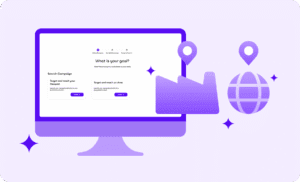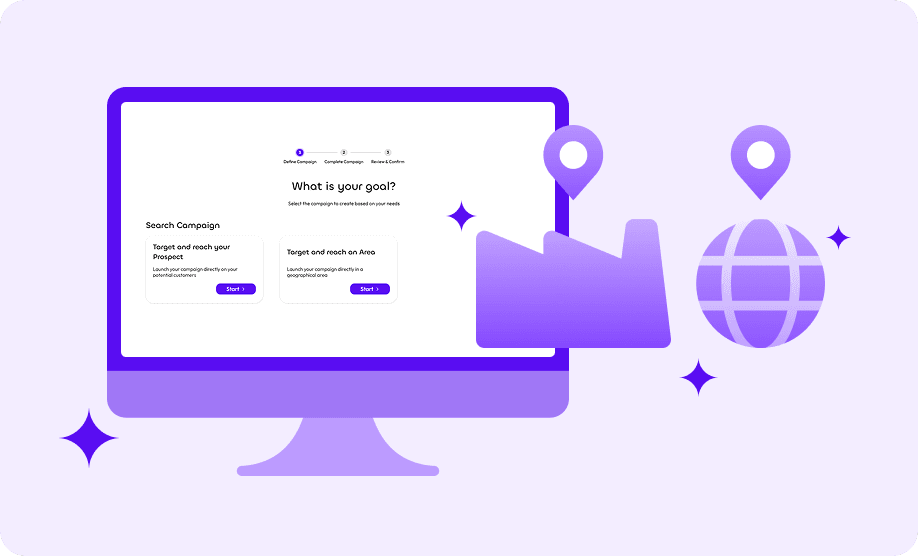
Vehnta Software offers two primary B2B targeting strategies for Google Ads campaigns:
- Target and reach an Area
- Target and reach your Prospect
Understanding the differences helps optimize campaigns based on goals, budget, and data availability.
1. Target and Reach an Area
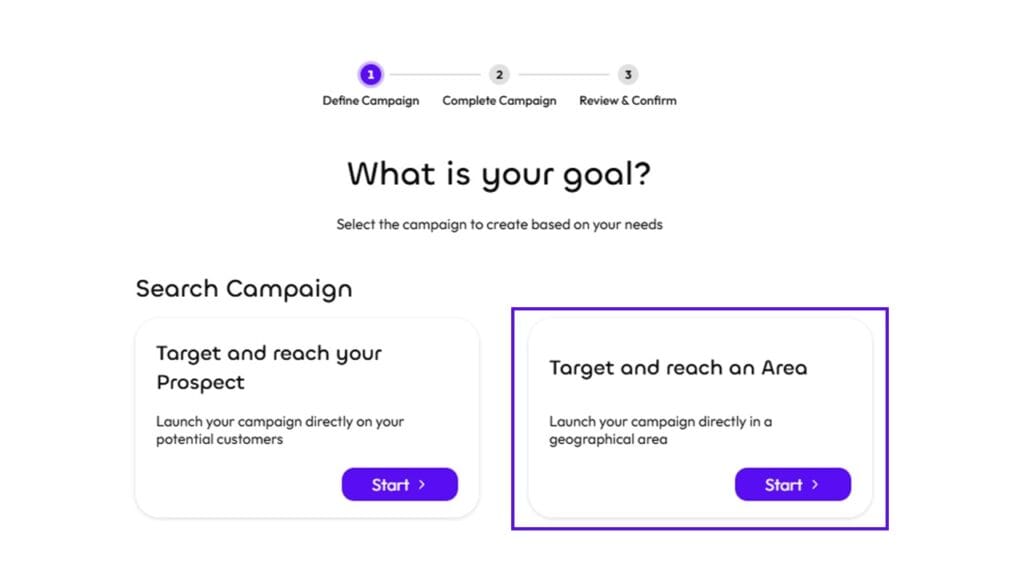
Definition:
- Campaigns focus on geographic areas, such as districts, regions, or countries.
- Ads are shown to all relevant businesses within the selected area, not specific companies.
Operational Details:
- You select areas (e.g., Chicago Metro Area, San Francisco Bay Area).
- Vehnta generates campaigns for each area and collects aggregated B2B data for the selected region.
- Useful when you want to explore market potential in specific locations or when you do not have a list of target companies.
Best Use Cases:
- Market exploration: Testing demand in new regions before identifying specific companies.
- Broad B2B campaigns: When your product/service is relevant to multiple companies in a defined area.
- Local marketing initiatives: For example, a B2B service provider wanting to reach SMEs in specific provinces.
Tips:
- Combine with regional data analysis to optimize areas with higher conversion potential.
- Budget can be allocated per area to compare performance.
- Ideal for discovering potential leads for further refinement using “Target your Prospect” later.
2. Target and Reach Your Prospect
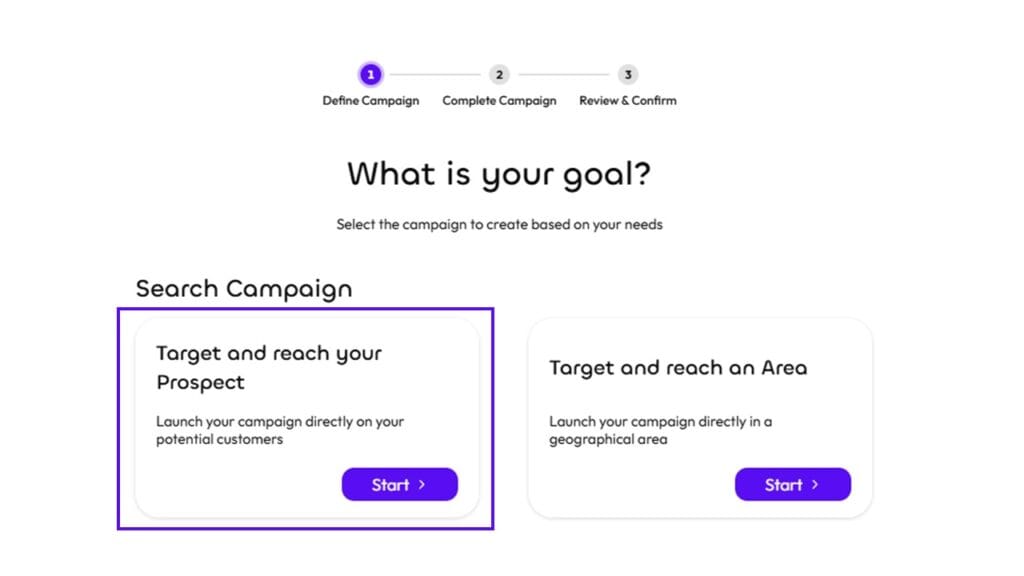
Definition:
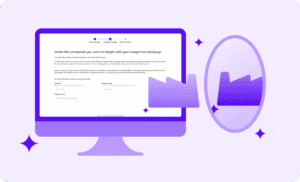
- Campaigns focus on specific companies and, optionally, their branches or subsidiaries.
- Vehnta targets decision-makers only within the selected companies.
Operational Details:
- You select companies manually or use the Similarity Feature to find similar companies in other markets.
- Ads are published for company-level targeting, including multiple branches if relevant.
- Data and performance metrics are reported per company in the Vehnta dashboard.
Best Use Cases:
- Account-Based Marketing (ABM): When you already know your high-value prospects.
- Targeted campaigns: Launch campaigns for key clients or industry leaders.
- International expansion: Select companies in your country as a model and use Similarity to reach equivalent companies abroad.
Tips:
- Use branches and subsidiaries to reach multiple decision-makers within the same organization.
- Combine with industry-specific keywords to increase relevance.
- Ideal for campaigns where lead quality outweighs volume.
3. Key Differences Summary
| Feature | Target and Reach an Area | Target and Reach Your Prospect |
| Targeting | Geographic regions | Specific companies / branches |
| Data granularity | Aggregated per area | Per company / branch |
| Use case | Market exploration, broad campaigns | ABM, precise lead generation |
| Ideal when | No specific prospect list, testing areas | You have a prospect list or want high-value leads |
| Performance tracking | By region | By company / branch |
4. Strategic Recommendations
- Step 1: Use “Target an Area” for initial testing in new regions or countries.
- Step 2: Analyze results to identify high-performing areas.
- Step 3: Switch to “Target Your Prospect” for account-based campaigns targeting the most promising companies.
- Step 4: For international expansion, combine “Target Your Prospect” with Similarity to replicate your model companies in new markets.
This dual approach allows B2B marketers to start broad, discover high-potential regions, and then narrow focus to specific companies—all while leveraging Vehnta Software to simplify campaign creation, publishing, and reporting.